Halo is your Client portal wihich is used to access and manage your invoice finance facility online.
Accessing Halo
Open your web browser and navigate to: https://my.acceleratedpayments.com
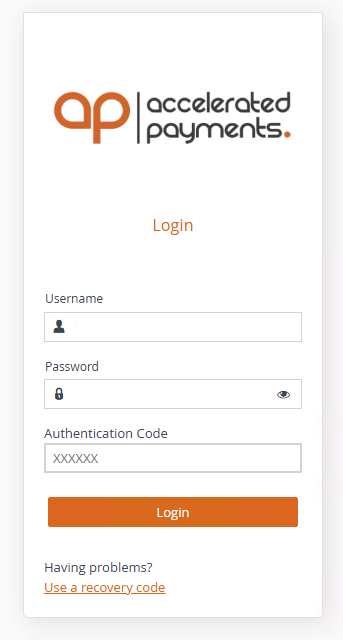
Enter your registered email address.
Enter your password and select Log In.
- When prompted, enter the authentication code from your authenticator app on your mobile device.
Once logged in, you can access your account information, submit invoices, track transactions, review funding activity, and manage other facility-related tasks.
Authentication Code
For security, Halo uses multi-factor authentication (MFA). When logging in, you will be asked to enter a one-time authentication code generated by the authenticator app installed on your mobile device.
If you no longer have access to your authenticator app or are unable to log in, please contact your Relationship Manager or the Accelerated Payments Operations Team for assistance.
Was this article helpful?
That’s Great!
Thank you for your feedback
Sorry! We couldn't be helpful
Thank you for your feedback
Feedback sent
We appreciate your effort and will try to fix the article