On this page, you'll learn how to navigate the Agreement Dashboard and understand the key terms used throughout it.
The Agreement Dashboard provides a snapshot of your facility and account activity, including:
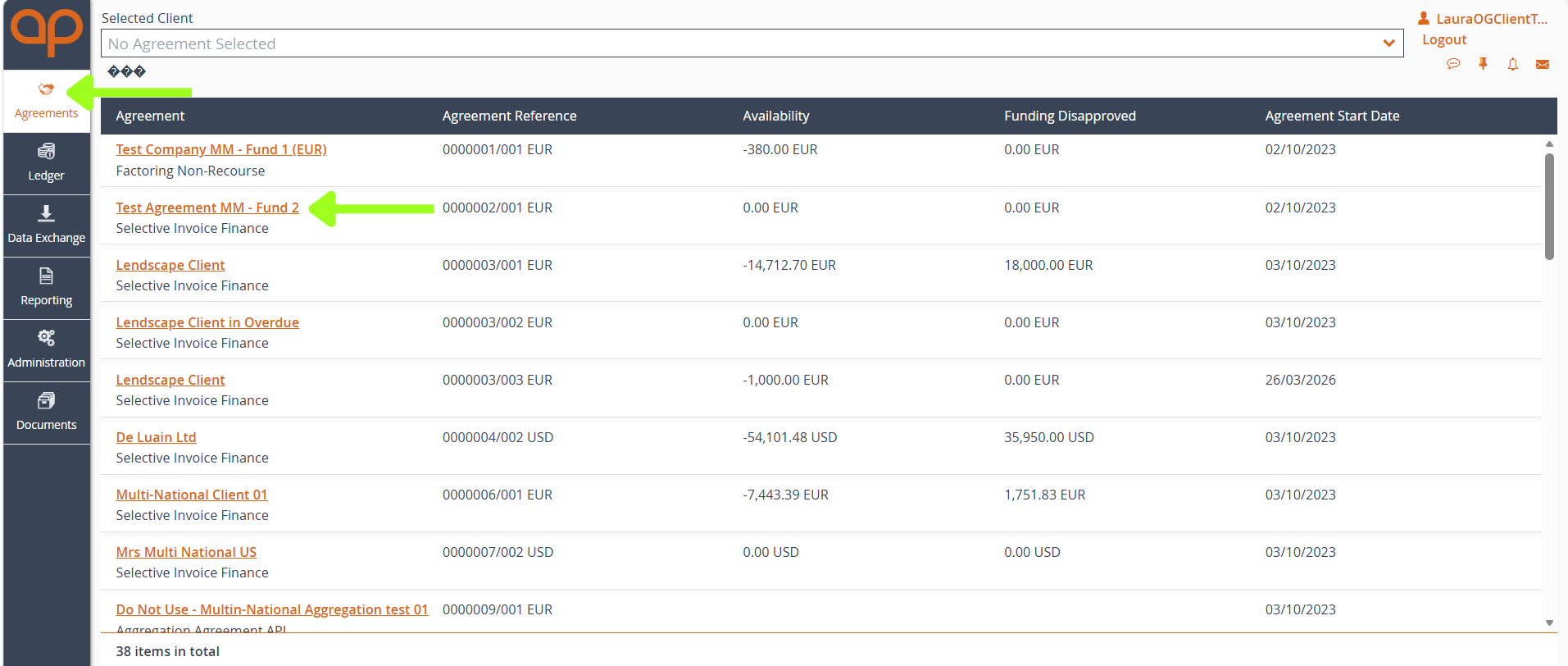
From the main navigation menu, select Agreements, then choose the relevant agreement to open the Agreement Dashboard.
When you open the Agreement page, the first tab you will see is Agreement Summary (highlighted below). This is your Agreement Dashboard, providing a high-level overview of your facility.
Additional tabs, including Movements, In-Payment Enquiry, Out-Payment Enquiry, Ageing, Statistics, Snapshot, and Document Management, provide access to more detailed information and functionality. You can learn more about each of these areas in the following sections of this guide.
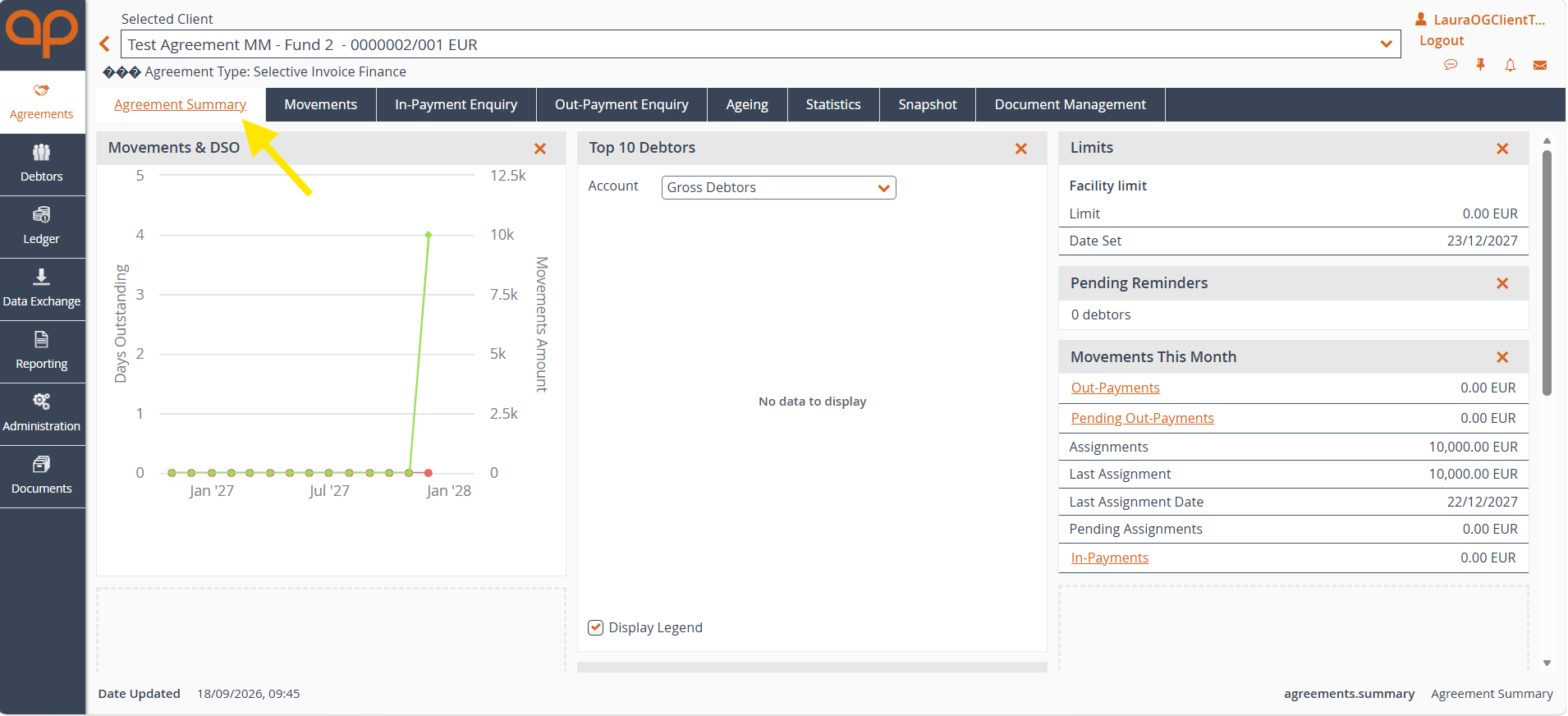
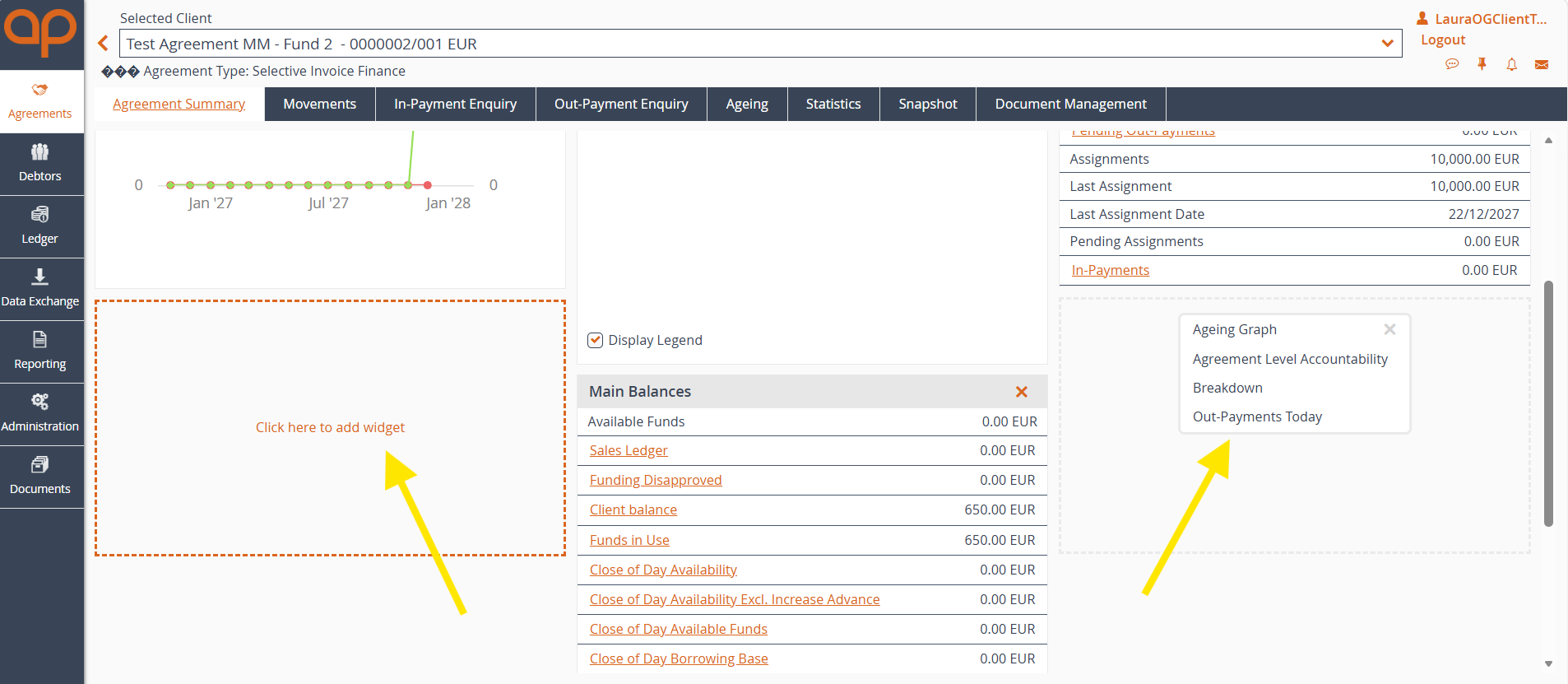
The agreement summary page is customisable, meaning you can add a number of widgets, depending on what information you would like to see at a glance. The image above currently shows:
However, you can also add
by clicking on the ‘Click here to add widget’ area illustrated below.
Displays monthly transaction activity and DSO (Days Sales Outstanding). Use this chart to monitor account movements and track debtor payment trends over time.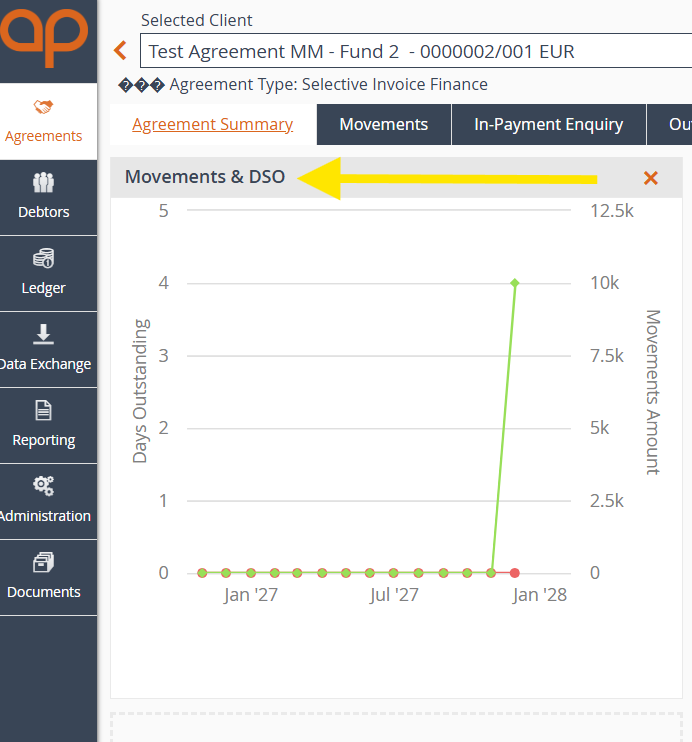
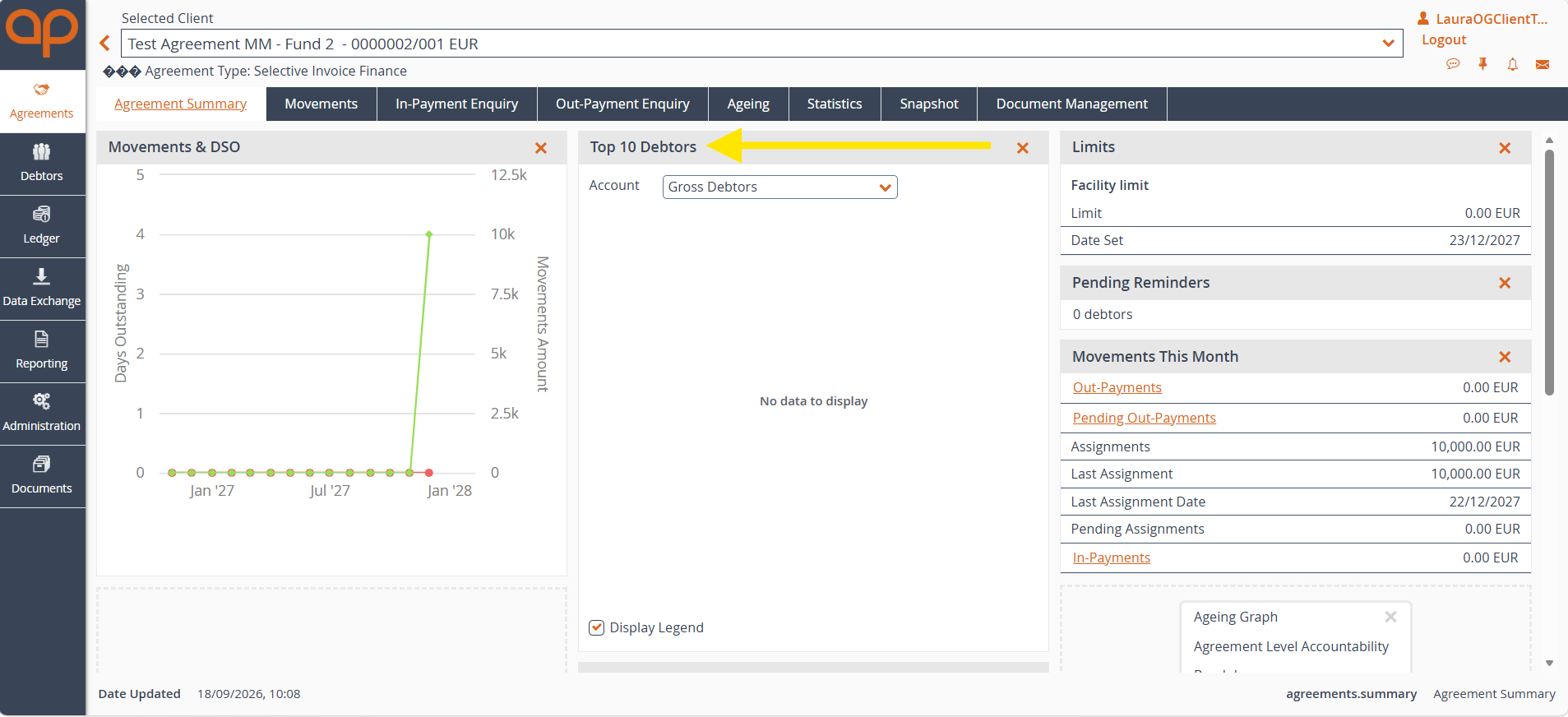
See a list of your top 10 debtors, including a dropdown box next to ‘Account’ that will allow you to filter debtors by:
In this section you can view your current facility limit.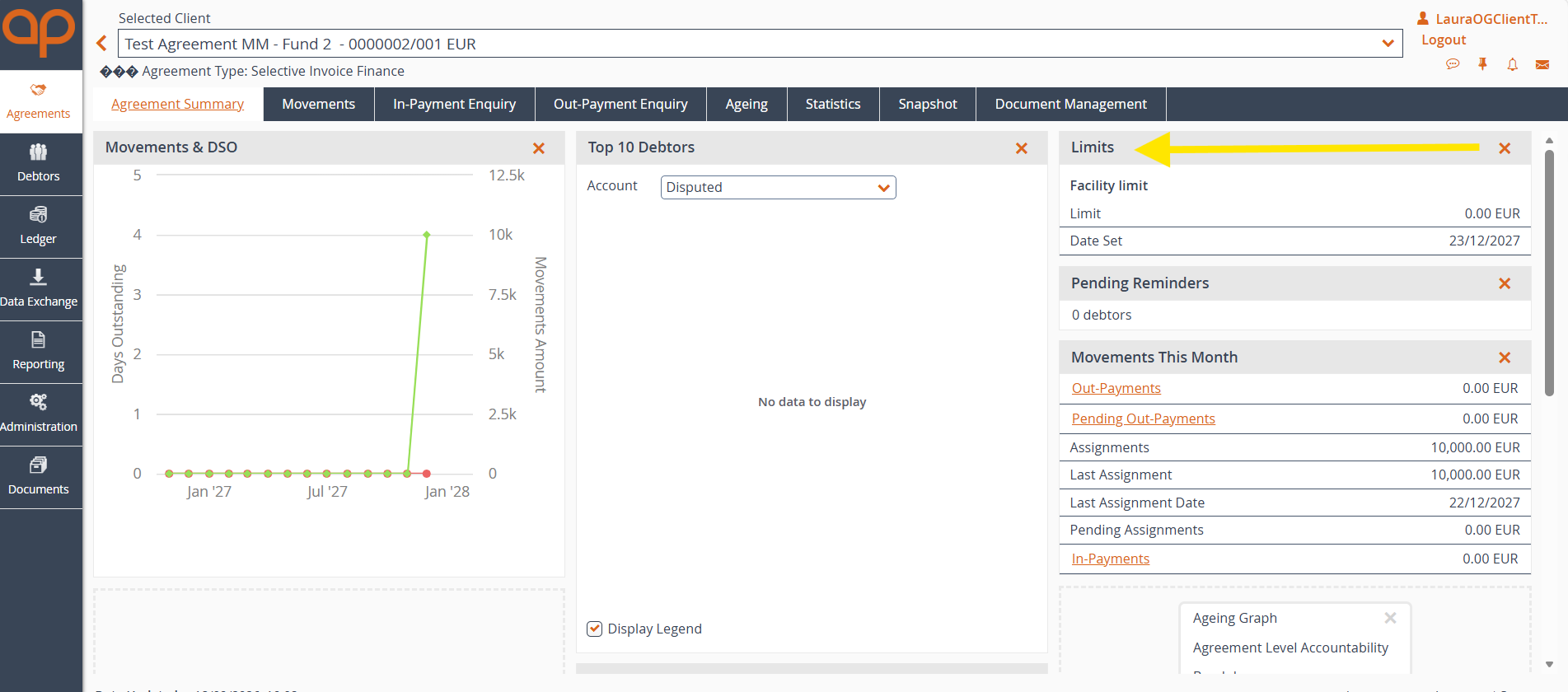
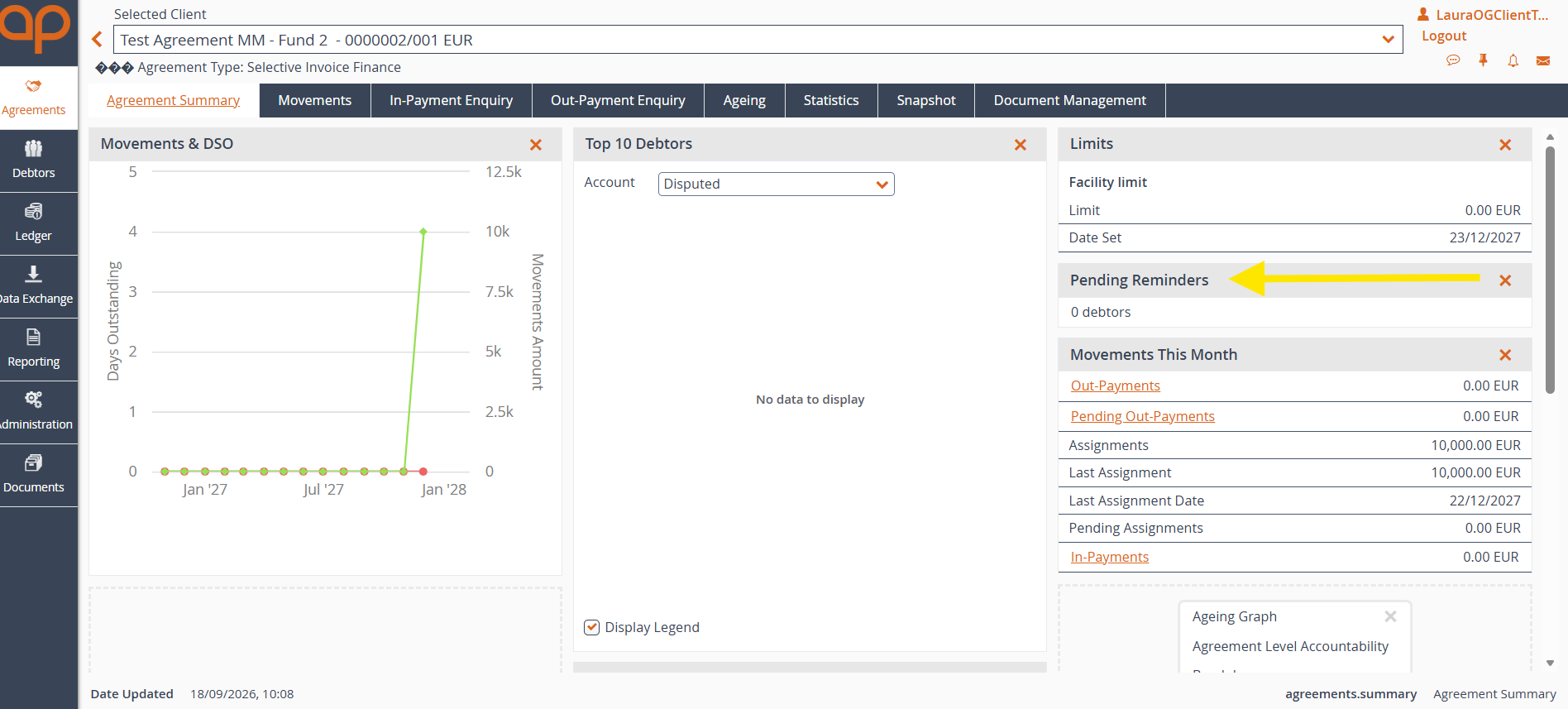
In this section you can view any pending reminders associated with your agreement.
Use the monthly view to review out payments, pending out payments, incoming payments and other transactions.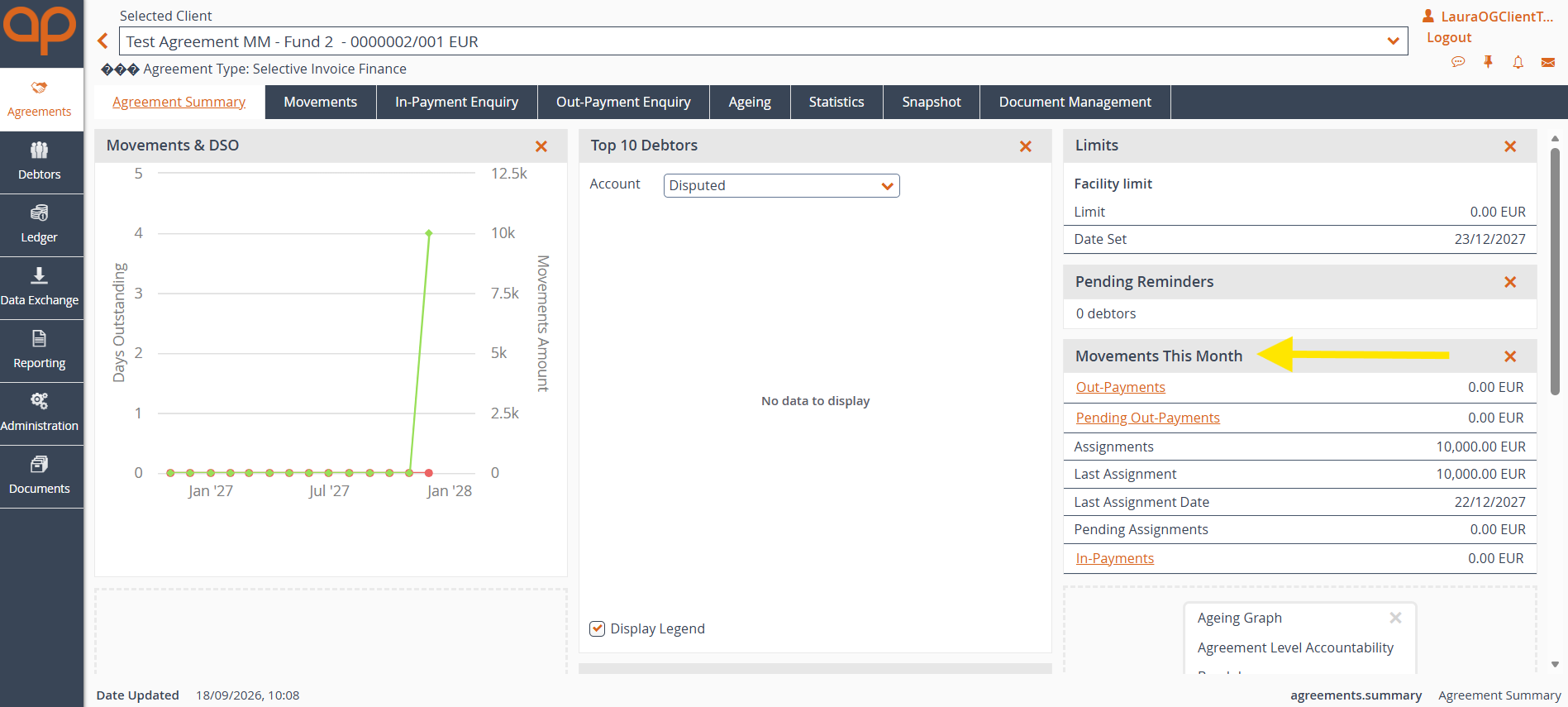
Was this article helpful?
That’s Great!
Thank you for your feedback
Sorry! We couldn't be helpful
Thank you for your feedback
Feedback sent
We appreciate your effort and will try to fix the article